On this page
A large guest table is one of the most common causes of a slow nopCommerce database. It builds up over months, usually from crawlers, so it rarely gets noticed until backups take too long or the customer list times out. StorePulse has three checks for it.
nopCommerce 5.00 admin
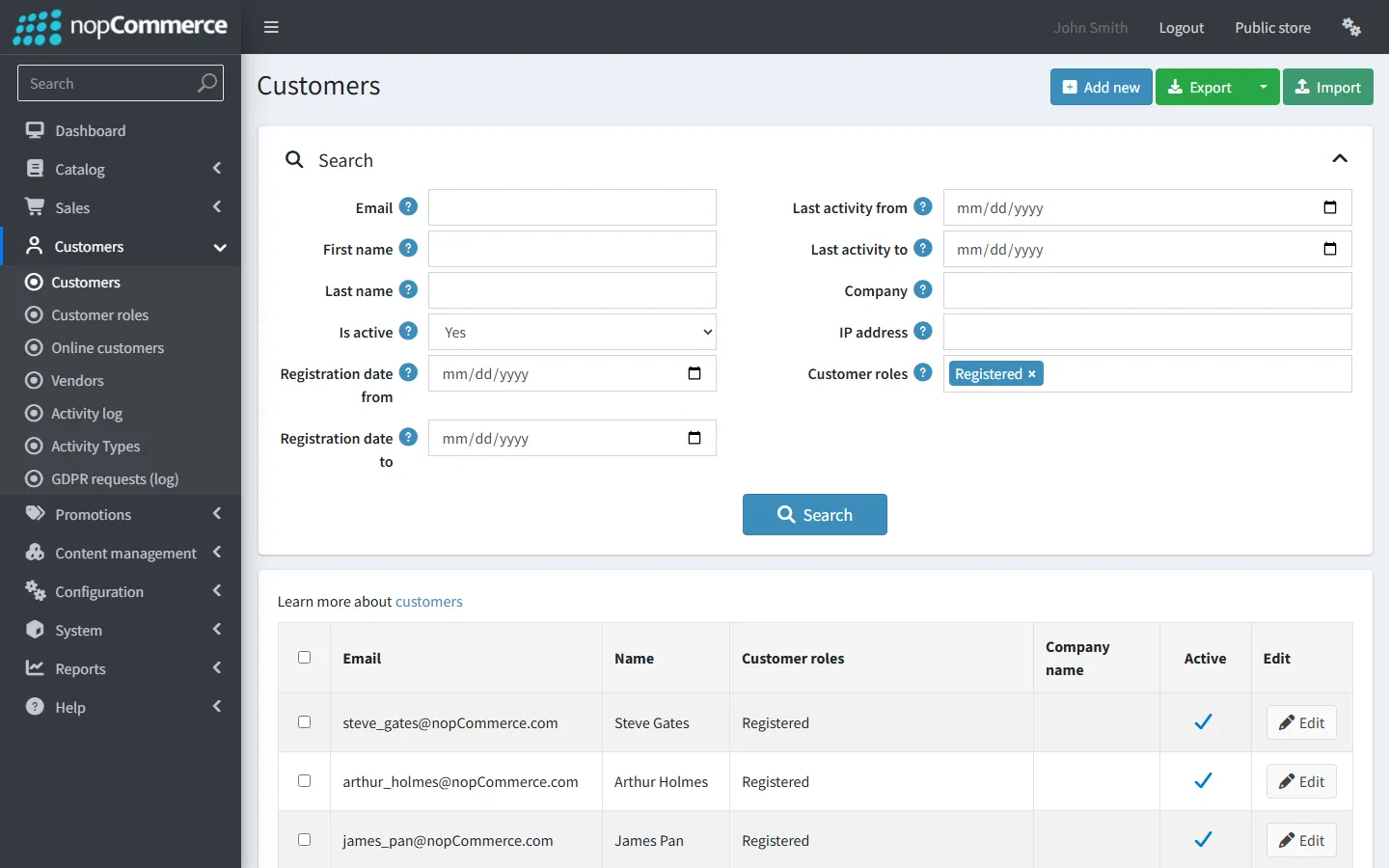
Guest customer records
StorePulse check DB-001
What StorePulse checks
How many customers are in the Guests role. StorePulse warns at 100,000 by default and stops counting there, so huge tables don’t slow the scan. The result then shows as “100,000+”.
Why it matters
Guest records and their attributes take space in the database and in every backup, and they slow customer searches and some reports.
Common causes
- Bots and crawlers: each new session without a cookie creates a guest.
- The “Delete guests” task is disabled or keeps failing.
How to fix it
- Make sure the “Delete guests” task is enabled and running (see DB-003).
- To clear a backlog, open System → Maintenance, find “Deleting guest customers”, choose a date range and delete. Start with small ranges, such as one month, on very large tables.
- Back up the database before a big clean-up.
Bot traffic
StorePulse check DB-002
What StorePulse checks
Guests created in the last 24 hours against orders in the same period. StorePulse warns when more than 1,000 guests were created and there are more than 200 for every order.
Why it matters
A high ratio means most new “customers” are bots, which fill the database and use server resources.
Common causes
- Search engine crawlers, scrapers, price-comparison bots or vulnerability scanners.
- Uptime monitors or load tests that don’t keep cookies.
How to fix it
- Look at your analytics or web server logs for the busiest user agents and IP ranges.
- Block or rate-limit bad bots in your CDN, firewall or web server. Don’t block real search engines.
- Keep the “Delete guests” task running so the records are removed.
Delete guests task
StorePulse check DB-003
What StorePulse checks
Whether the “Delete guests” task exists, is enabled and runs on time. A disabled task only warns once the guest count passes the warning limit.
Why it matters
This task is what keeps the guest table small. Without it, the table only grows.
Common causes
- The task was disabled because it timed out on a huge table.
- The scheduler has stopped altogether.
How to fix it
- Open System → Schedule tasks and enable “Delete guests”.
- If the table is very large, clear the backlog in small date ranges from System → Maintenance first, so the task doesn’t time out.
- Click “Run now” and check that “Last success date” updates.
How “Delete guests” works
The task runs every 600 seconds by default. It deletes guests created more than DeleteGuestTaskOlderThanMinutes ago (1,440 minutes, or one day, by default) that have no shopping cart items, orders, blog or news comments, product reviews, review votes, poll votes or forum posts. System accounts, such as the search engine account, are never deleted.
On a table with millions of rows, one run can take longer than the database command timeout and fail. Clearing the backlog in date ranges from System → Maintenance, or raising SQLCommandTimeout in App_Data/appsettings.json for the clean-up, avoids this.
SQL Server · count guests (read-only)
SELECT COUNT(*) AS guests
FROM Customer c
JOIN Customer_CustomerRole_Mapping m ON m.Customer_Id = c.Id
JOIN CustomerRole r ON r.Id = m.CustomerRole_Id
WHERE r.SystemName = 'Guests';
PostgreSQL · count guests (read-only)
SELECT COUNT(*) AS guests
FROM "Customer" c
JOIN "Customer_CustomerRole_Mapping" m ON m."Customer_Id" = c."Id"
JOIN "CustomerRole" r ON r."Id" = m."CustomerRole_Id"
WHERE r."SystemName" = 'Guests';
Frequently asked questions
Is it safe to delete guest customers in nopCommerce?
Yes, through System → Maintenance or the “Delete guests” task. Both keep guests that have orders, carts, reviews or posts. Back up the database before deleting a large number.
Why does nopCommerce create a customer for every visitor?
nopCommerce stores the cart, currency, language and other preferences against a customer record, so every visitor gets one, identified by a cookie. Visitors that don’t keep cookies, such as most bots, create a new one on every visit.
Check your store with StorePulse
StorePulse is a free, read-only nopCommerce plugin from Cartenvo. It runs these checks and 49 more in a few seconds, explains each result and links back to the guide for it. It works on nopCommerce 4.80 and 4.90 and 5.00 and sends no data outside your server.
Rather have someone fix it for you? Email contact@cartenvo.com with what StorePulse found and we will tell you what it takes.
If this keeps happening, we can fix it
If guest records keep piling up, we can reduce the bot traffic and database load behind them.